Staff, roles & pay
Build staff access, multi-site roles, pay levels, rota information and timekeeping around the way each person actually works.

Set up the business once, then use that information across products, stock, staff, pricing, tills, purchasing, rotas, reports and the jobs that start and finish each day.
IndyHub starts with the everyday building blocks: measurements, courses, staff roles, documents, company structure, sites, areas, tills and peripherals. From there, products, recipes, suppliers, stock levels and prices all sit on the same foundation.
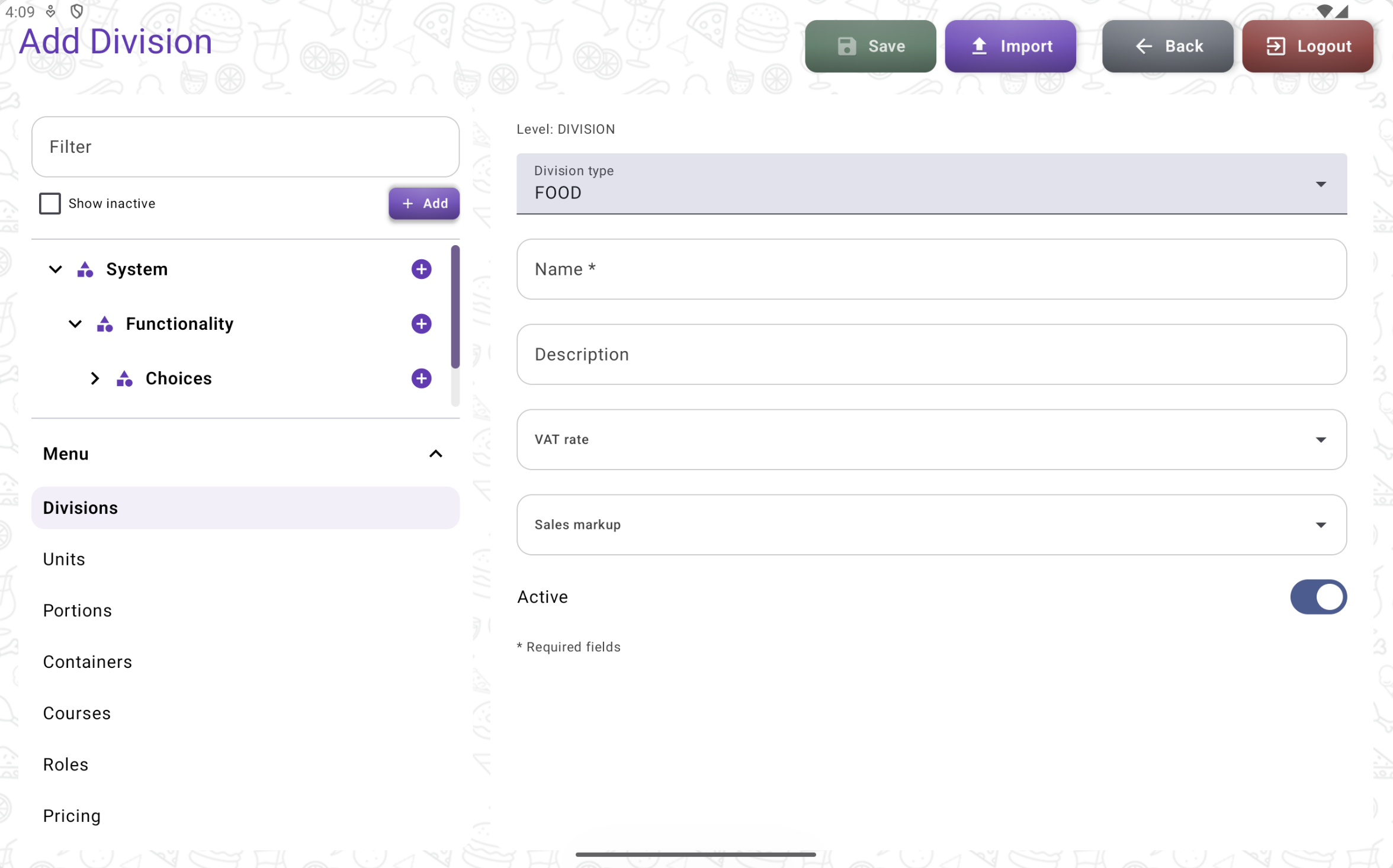
Real IndyHub screen: default data and company setup structure.
Products can carry recipes, suppliers, sale portions, stock requirements, pricing rules, barcodes and more. Prices can be set individually or suggested from costs and the markup you want to achieve.
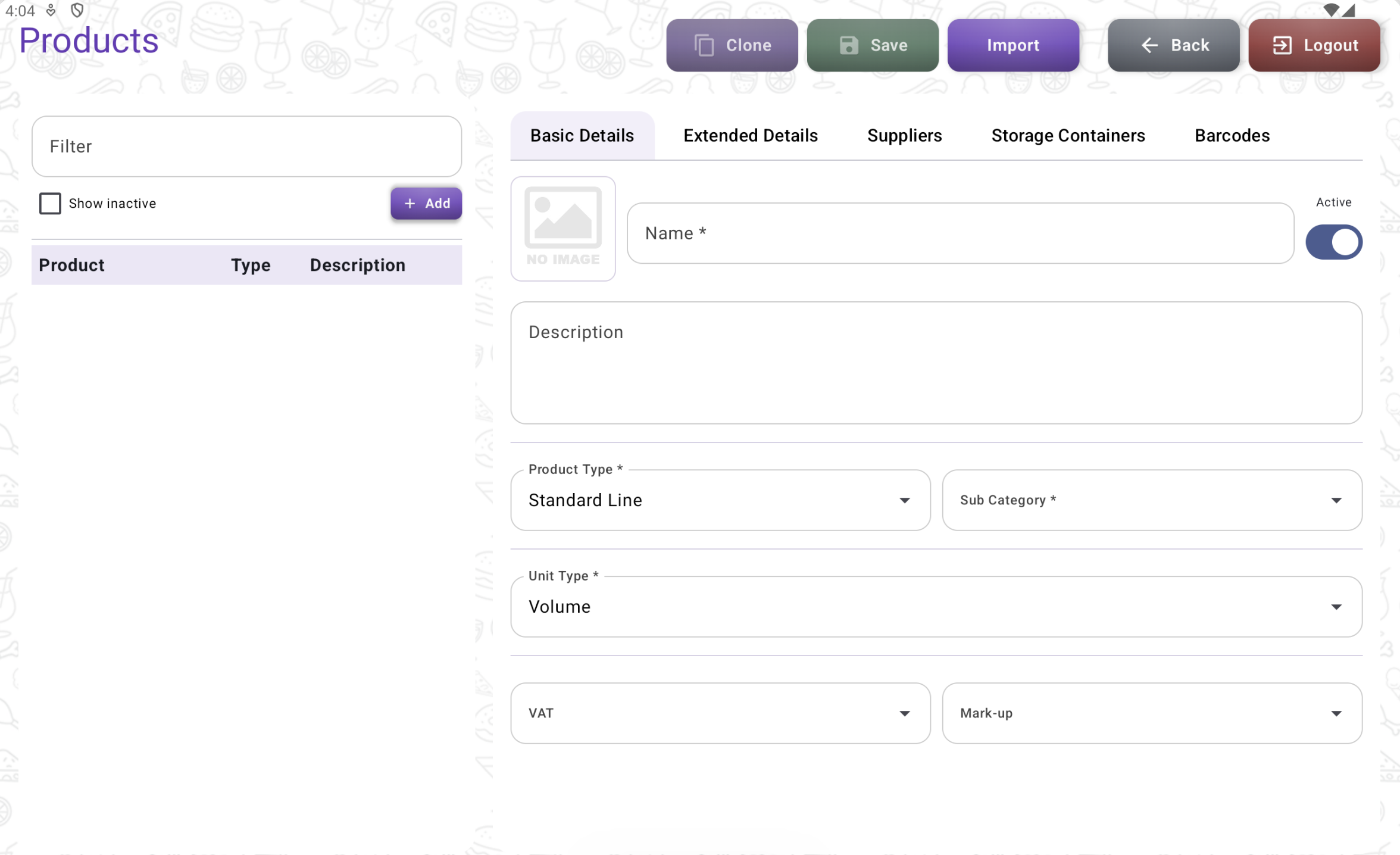
Product setup.
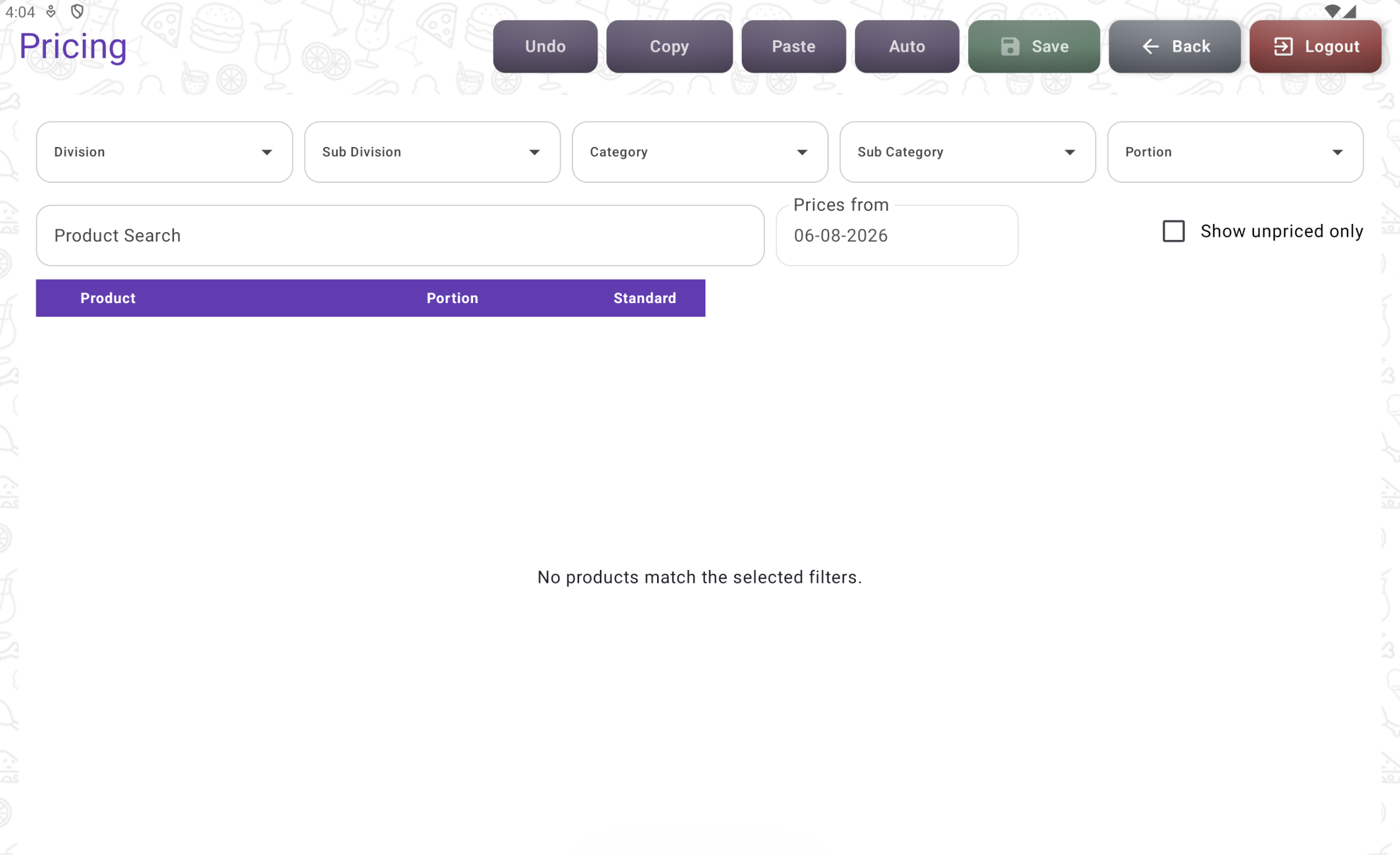
Pricing tools.
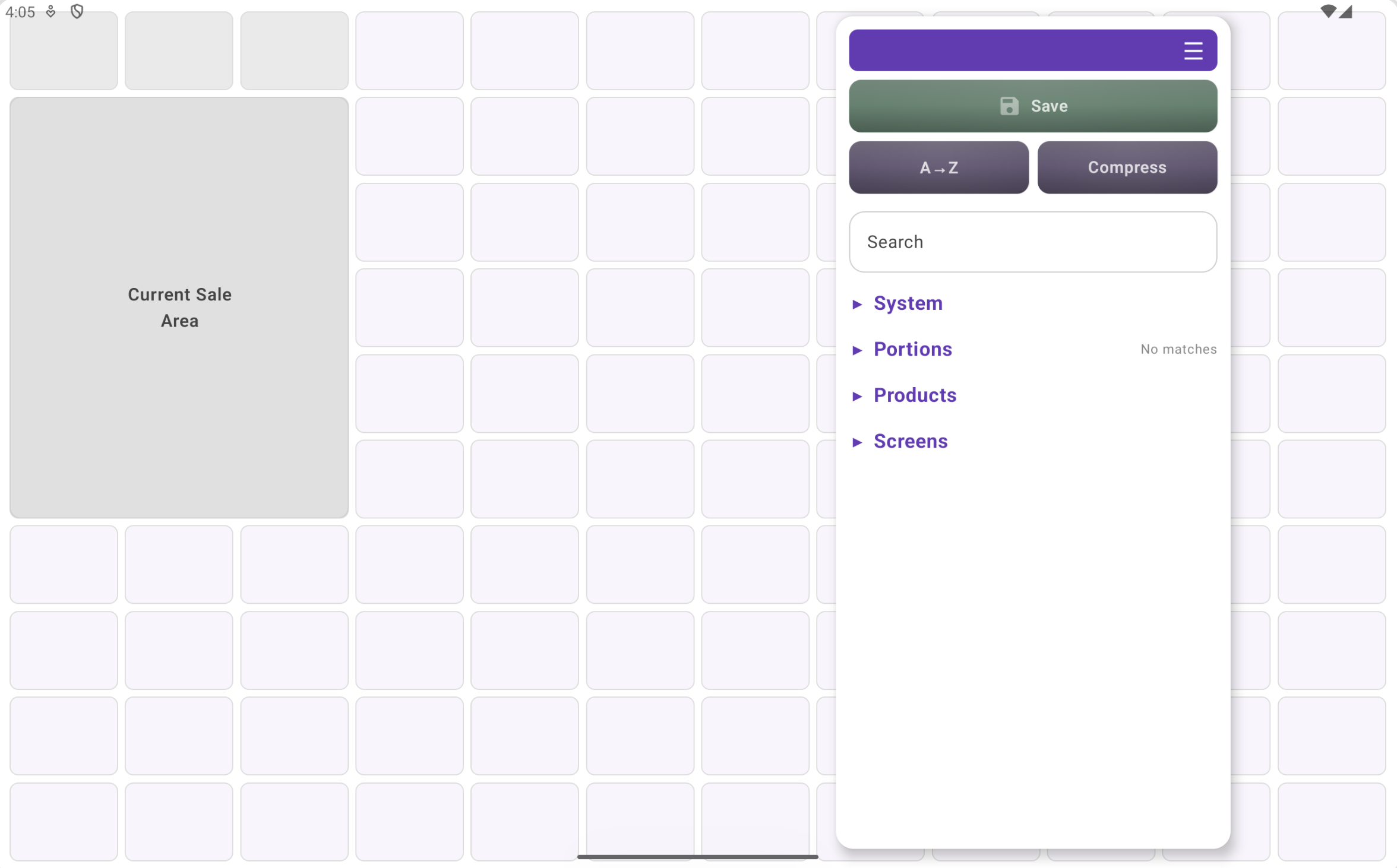
Real IndyHub POS screen designer.
Create one-off layouts or reuse templates across several screens. Choose button or image-led designs, organise products around how the venue works and publish changes to IndyPOS when they are ready.
The aim is for IndyHub to become the place you open at the start of the day, glance at during service and use to close things down properly at the end.
Build staff access, multi-site roles, pay levels, rota information and timekeeping around the way each person actually works.
Track required levels and use sales since the last delivery to help build the next order without buying far more than you need.
Set timed offers, multi-buy deals or button-triggered promotions that can work with IndyPOS and, where relevant, IndyCard.
Keep company documents, policies and important dates where the people running the venue can actually find them.
Bring sales, staff costs, stock and other figures together so fewer answers live in separate spreadsheets.
Surface jobs that need attention, things that look wrong and live information from sites without digging through several screens.
A current, sanitised dashboard screenshot would be the best next image here, ideally showing start-of-day tasks or live site figures. I have deliberately left a placeholder rather than inventing a screen that does not exist.
 Real dashboard screenshotPlaceholder until a current sanitised screenshot is available.
Book a demo to walk through the current screens and talk through what your venue actually needs.